
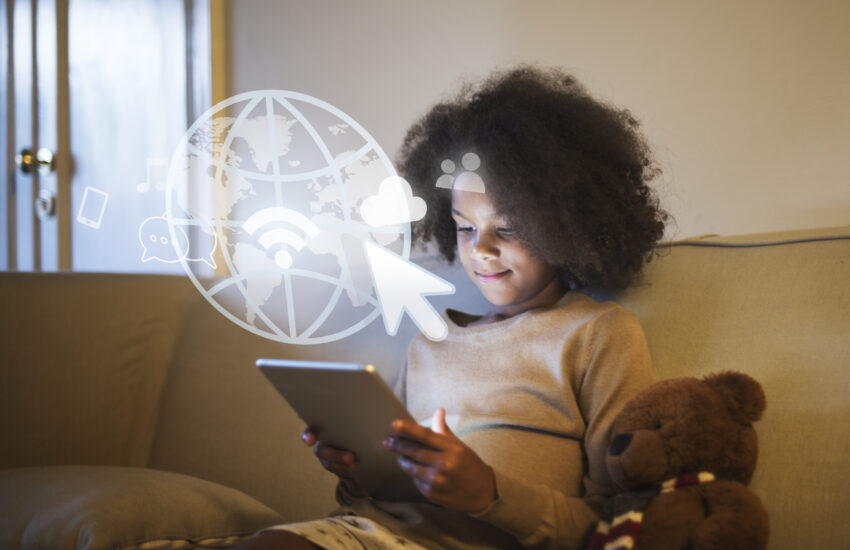
💡 Ever wonder how the internet works? Or how your video game connects with your friend’s computer? Welcome to the world of Networking!
If you’re between 9 to 18 years old, and curious about how computers talk to each other, then this beginner’s guide is just for you. Let’s explore the awesome universe of computer networking in a way that’s fun, friendly, and future-ready! 🚀
🧠 What Is Networking in IT?
Networking means connecting computers and devices so they can share data, like:
- Games 🎮
- Files 📁
- Videos 📹
- Messages 💬
- Internet access 🌍
Imagine a group chat between computers—that’s networking!
🤖 Why Should Kids & Teenagers Learn Networking?
Because the internet is everywhere, and understanding it means you can build, fix, or improve it!
🎯 Reasons to learn:
- Build your mini network at home 🛠️
- Play multiplayer games without lag 🕹️
- Start learning ethical hacking 🔐
- Understand how websites and apps work behind the scenes
🌍 Real-Life Examples of Networking
| Example | How Networking Helps |
|---|---|
| Sending a photo to a friend | Your phone connects to a network to deliver the file |
| Playing Minecraft online | Your device joins a gaming server over a network |
| Googling something | Your device sends a request to Google’s servers and gets the answer |
| Watching Netflix | A network connects you to streaming servers |
🔟 Top 10 Networking Concepts Every Beginner Should Know
Let’s break it down into simple bits:
1. IP Address – The Home Address of a Device
Every device has an IP Address, like a digital home address.
📍 Example: 192.168.1.10
🔍 Used to identify a device in a network.
2. Router – The Traffic Police
A router decides where data should go—like a traffic cop directing cars. 🚦
📶 It connects your home devices to the internet.
3. LAN & WAN – Local and World Networks
- LAN (Local Area Network): A small network, similar to your home’s WiFi. 🏠
- WAN (Wide Area Network): Big, like the internet. 🌐
📚 Fun Task: Try setting up a LAN party with your friends!
4. Wi-Fi & Ethernet – Wireless vs Wired
- Wi-Fi = Wireless internet 🌀
- Ethernet = Wired internet ⚡ (faster for gaming!)
🎮 Gamers tip: Use Ethernet for lag-free gameplay!
5. Firewall – The Bodyguard
A firewall protects your computer from bad guys (viruses, hackers). 🛡️
🔥 Think of it as a smart security guard at your digital gate.
6. DNS – The Internet’s Phonebook
When you type www.google.com, DNS translates it to an IP address.
📞 Without DNS, you’d have to remember numbers like 142.250.182.14!
7. Servers & Clients – The Helpers
- Server = Gives data 📤
- Client = Asks for data 📥
📦 When you download a game update, your PC (client) gets it from the server.
8. Bandwidth – The Speed Limit
More bandwidth = Faster internet 🚀
Too many users = Slow network 🐢
📊 Try a speed test and see how fast your home WiFi is!
9. Ping – The Response Time
Low ping = Fast reaction (great for gaming!)
High ping = Lag or delays 😫
📌 Ping is measured in milliseconds (ms)
10. Switch & Hub – The Connectors
- Switch: Smart connector (sends data to the right device)
- Hub: Basic connector (sends data to all devices)
💡 In modern networks, switches are mostly used.
💡 Simple Networking Project Ideas for Kids & Teens
🎮 1. Build a LAN Gaming Network
Connect two or more PCs and play Minecraft or CS: GO locally.
📶 2. Set up a Home WiFi and Secure It
Learn how to change the WiFi name, password, and block unknown devices.
🖥️ 3. Make a Local File Sharing Network
Share files between two laptops without an internet connection using a LAN.
💻 4. Create a Mini Web Server (Teens)
Use Raspberry Pi to create your website hosted at home!
💼 Future Careers in Networking (If You Love It!)
| Role | What They Do |
|---|---|
| Network Engineer | Builds and maintains networks |
| Cybersecurity Expert | Protects networks from hackers |
| Cloud Engineer | Manages cloud-based networks |
| Ethical Hacker | Finds and fixes security holes |
| IT Support Technician | Solves network problems |
